Every client meeting, written up for you.
Press one button and Swivel records the conversation, then writes a clean, structured summary straight into the client's notes — no typing, no extra Zoom subscription. You stay present; the notes take care of themselves.
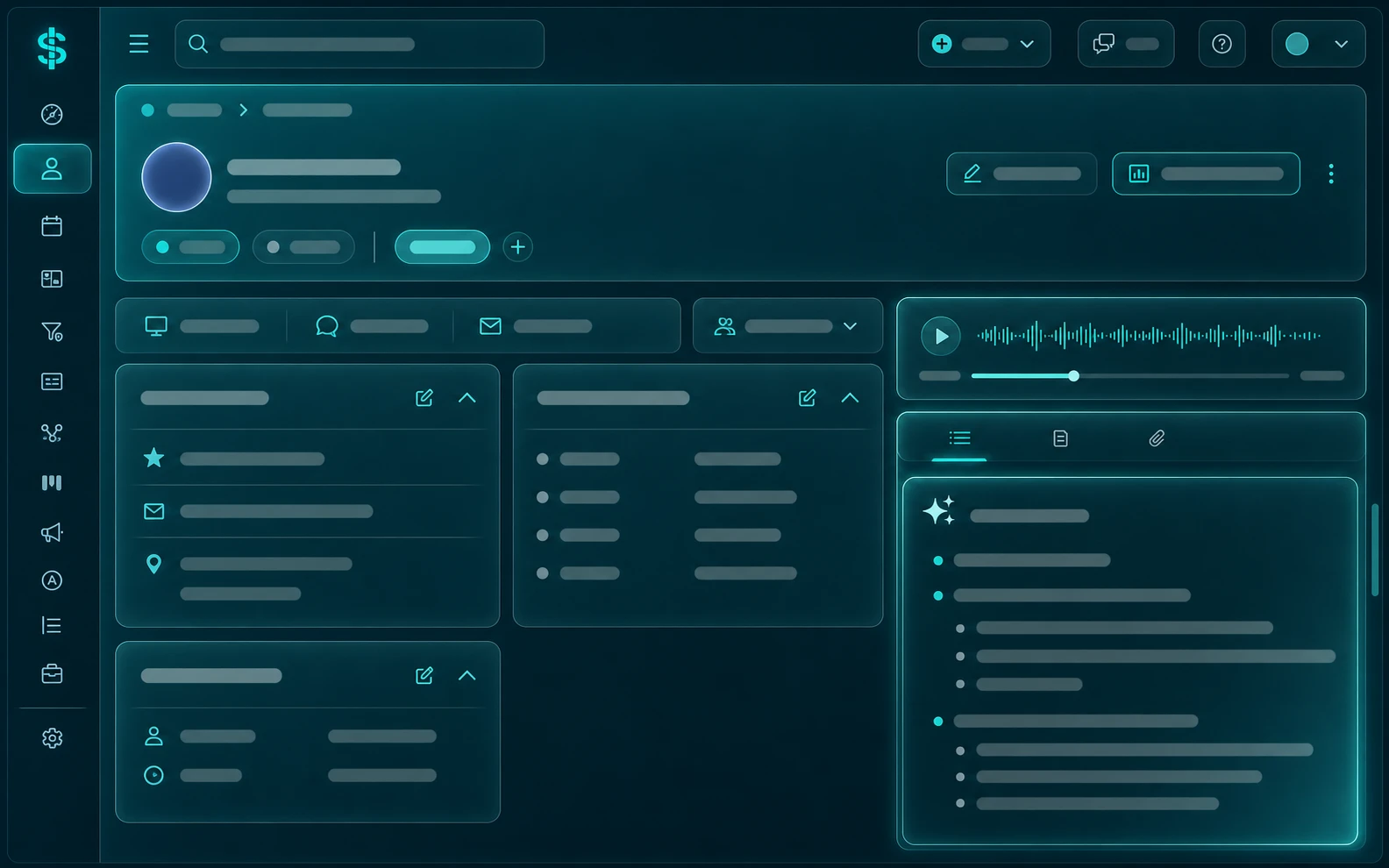
How it works
Stop choosing between listening and writing.
For annuity and insurance advisors, the details from a review meeting matter — suitability notes, the client's goals, what you promised to follow up on. Swivel captures all of it so you can give the client your full attention and still walk away with a documented, searchable record.
Hit record
Start the notetaker in your browser or the Swivel Connect app at the top of the meeting. It keeps recording even if you navigate to another screen.
Swivel summarizes
When you stop, Swivel transcribes the conversation and writes a structured summary — shaped by the AI Template you choose — into the client's notes.
It's on the record
The note lands on the client's contact record automatically, and you get an email when it's ready. Re-summarize with a different template anytime.
Why advisors use it
Built in — not bolted on.
No Zoom required
Records in-browser and on mobile — no meeting-platform integration, no per-seat add-on, no separate notetaker subscription. It's part of Swivel.
Your structure, every time
Build AI Templates with the sections you care about — objectives, suitability, risk tolerance, next steps — and every summary follows them.
On the client's record
Summaries save straight to the contact record next to their policies, documents, and history — so the whole team picks up exactly where you left off.
Documentation that holds up
With best-interest standards now the norm for annuity sales, a structured, time-stamped summary of every client conversation is documentation you'll be glad to have.
FAQ
Questions, answered.
Does Swivel's AI Notetaker require Zoom?
No. Swivel records the conversation right in your browser or in the Swivel Connect mobile app — there's no Zoom, phone, or in-person meeting integration to set up and no extra subscription to buy.
Is the AI Notetaker a transcript or a summary?
It writes a structured AI summary directly into the client's notes — not a raw word-for-word transcript. You decide how that summary is organized using AI Templates, and you can re-summarize the same recording with a different template at any time.
Can I control how the notes are structured?
Yes. AI Templates let you define your own sections and prompts — objectives, suitability, risk tolerance, action items — so every meeting summary follows the structure your practice runs on.
Where do the notes end up?
The finished summary is saved automatically to the client's contact record alongside their policies, documents, and communication history. You get an email when the note is ready, even if you've navigated away.
See the AI Notetaker in action.
Watch a real client meeting turn into a structured note in seconds — on a quick walkthrough built around the way you sell.