Outreach that runs itself.
Birthdays, policy anniversaries, age milestones, annual reviews — the moments that grow a practice are also the easiest to forget. Swivel Automations catch every one and act on it, without a single reminder on your calendar.
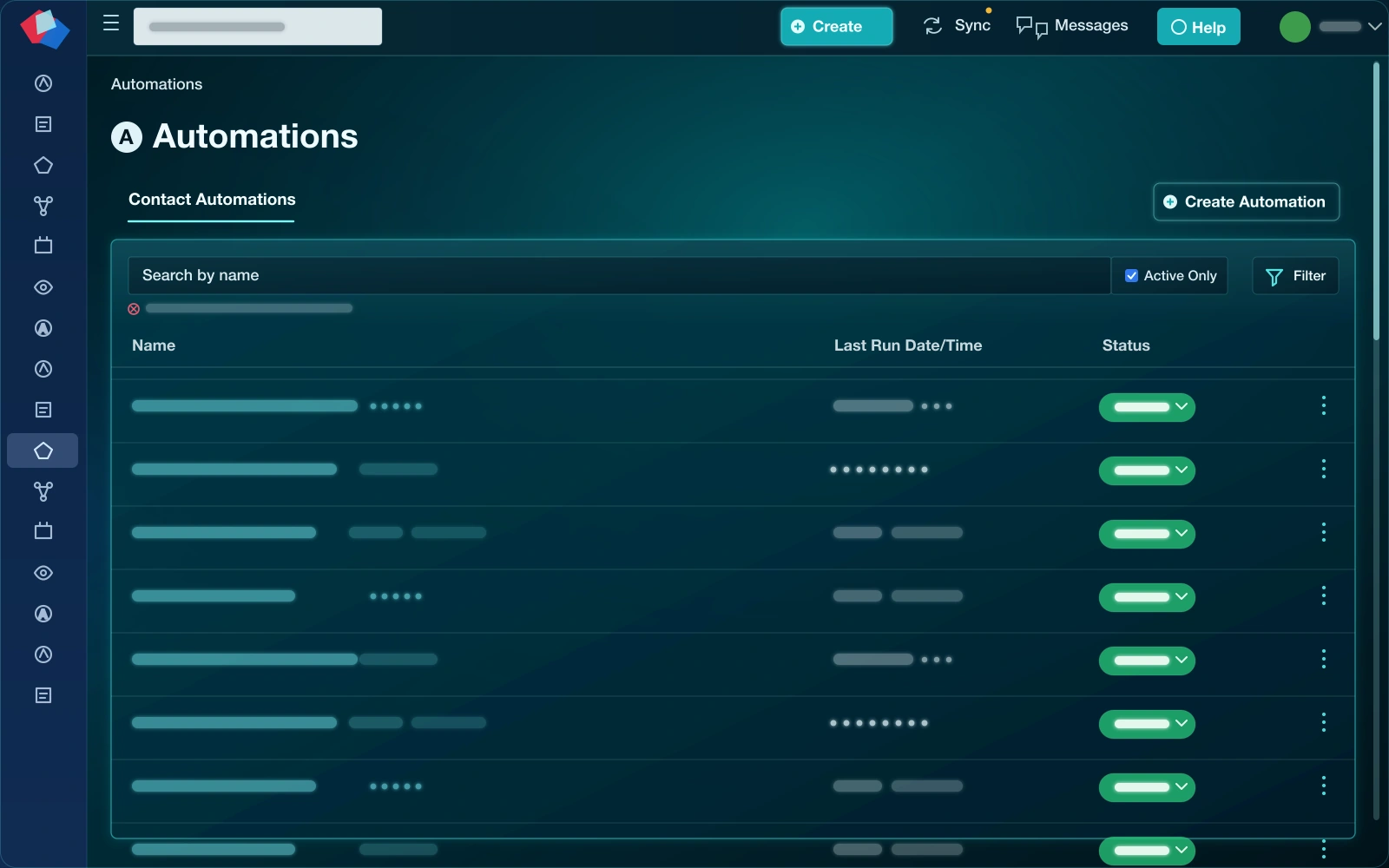
How it works
Trigger, condition, action.
Every automation follows the same simple shape: something happens, Swivel checks who it applies to, and then it acts — immediately or on a delay you set.
A trigger fires
A date arrives, a client hits an age like 59½, a record changes, or a new opportunity is created.
Conditions filter
Narrow it to exactly who it should apply to — a product line, a tag, an age, a status.
Swivel acts
It sends a text or email, creates a task, starts an opportunity, tags or assigns — now or on a delay.
What you can automate
Set it once. Never miss it again.
Birthday & anniversary touches
Warm, automatic outreach on the dates that build loyalty.
Age-based moments
When a client reaches 59½, 65, 73, or any age you choose, kick off the right conversation.
Texts & emails
Send via templates with merge tokens — personalized, never generic.
Tasks & opportunities
Automatically create follow-up tasks or start an opportunity so the work actually gets picked up.
Tags & assignment
Route contacts to the right agent and keep your segments tidy without lifting a finger.
A full audit trail
Every automated action is logged, so you can always see exactly what fired and when.
FAQ
Questions, answered.
What can trigger an automation in Swivel?
A date (like a birthday or policy anniversary), an age milestone (like a client turning 59½), a new or changed record, or a new opportunity — among others. You add conditions to narrow exactly who it applies to.
What can an automation do?
Send an email or text, create a task, start or advance an opportunity, add or remove a tag, and assign an agent or status. Actions can fire immediately or on a delay.
Can automations send both texts and emails?
Yes. Automated emails and texts use your templates and merge tokens, so each message is personalized to the client without you writing it each time.
How are Automations different from Workflows?
Automations are event-triggered rules that run on their own in the background. Workflows are repeatable, assignable step-by-step processes your team works through. Many practices use both together.
Put your follow-up on autopilot.
See Swivel Automations on a quick walkthrough built around the moments that grow your book.