Run every process the same way, every time.
New business, onboarding, annual reviews — the work that keeps clients happy is the work that's easiest to do inconsistently. Build it once as a workflow and it runs the same, start to finish, no matter who's on it.
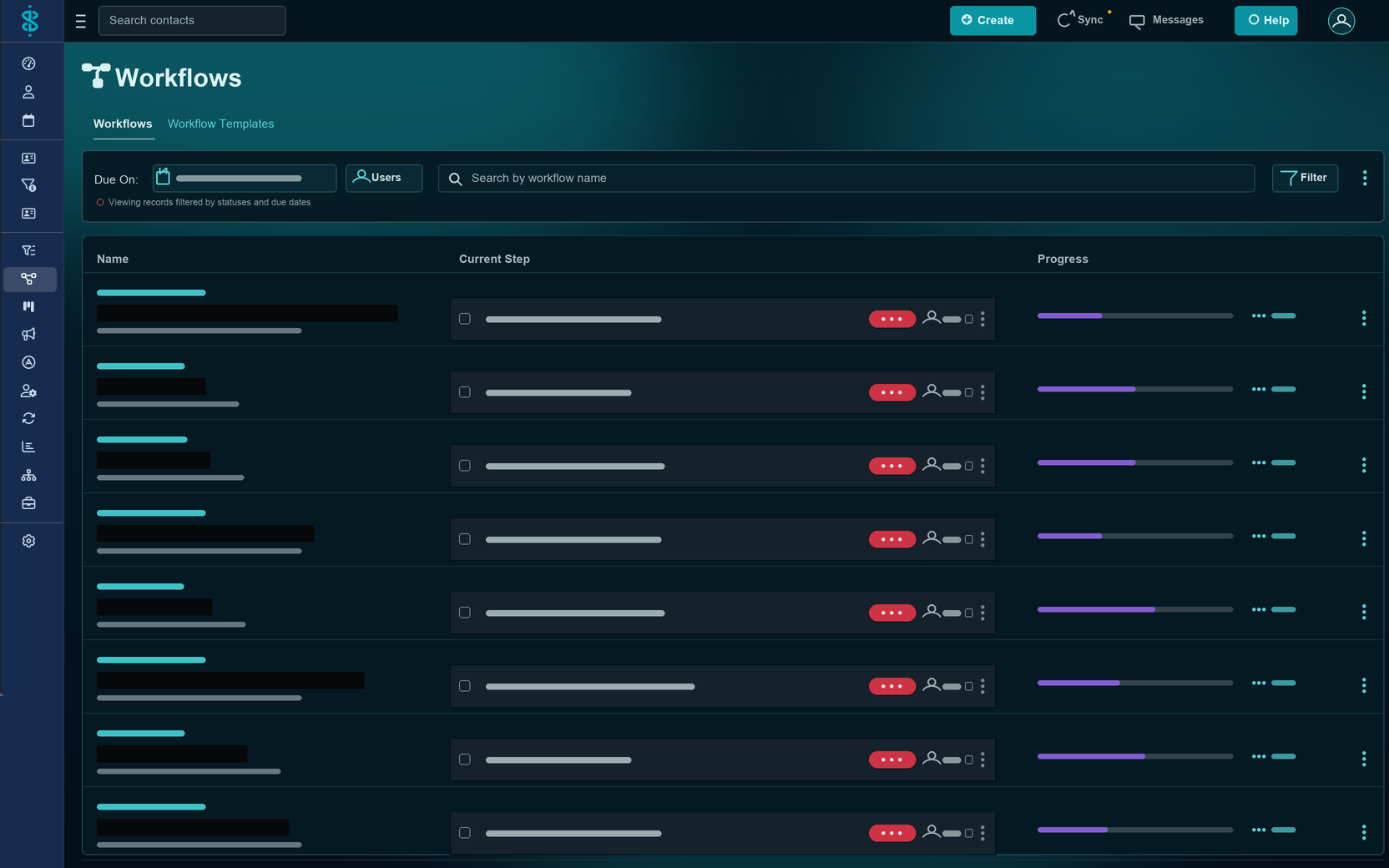
How it works
Your process, turned into a template.
Lay out the steps once — in order, with owners and due dates — and save it as a template. From then on, running that process is a single click, and every step is tracked to completion.
Build the template
Define ordered steps, mark which are required, and set who's responsible and when each is due.
Run it on a record
Start it on a contact, policy, opportunity, or appointment — manually, scheduled, or triggered by an automation.
Track to done
See what's upcoming, overdue, and complete across every running workflow in one consolidated view.
Why advisors use it
Consistency you can prove.
Nothing slips
Suitability and compliance steps are part of the template, so they happen every time — not just when someone remembers.
Delegate with confidence
Hand a step to staff with a clear owner and due date — and see exactly where it stands.
Right on the record
A workflow attached to the policy or opportunity keeps the process and the context together.
Manual or automated
Kick one off by hand, schedule it ahead, or let an automation start it — whatever fits the process.
FAQ
Questions, answered.
What's the difference between Tasks and Workflows?
Tasks are individual to-dos. Workflows are multi-step, repeatable processes built from a template — like a new-business or annual-review checklist — where each step has an owner and a due date.
Can I assign different steps to different people?
Yes. Every step can have its own responsible person and due date, so a workflow can move between you and your staff as the process progresses.
Can a workflow attach to a policy or opportunity?
Yes. Workflows attach to contacts, products (policies), opportunities, and appointments — so the process lives right on the record it belongs to.
Are workflows manual or automated?
Both. You can start a workflow manually when you need it, schedule it for a future date, or have an automation kick it off for you.
Make your best process the standard.
See Swivel Workflows on a quick walkthrough built around how your practice actually runs.