Walk clients through it, live.
Share your screen with a client in one click — invite sent by text or email straight from their record. No separate Zoom seat, no scheduling dance. Just show them.
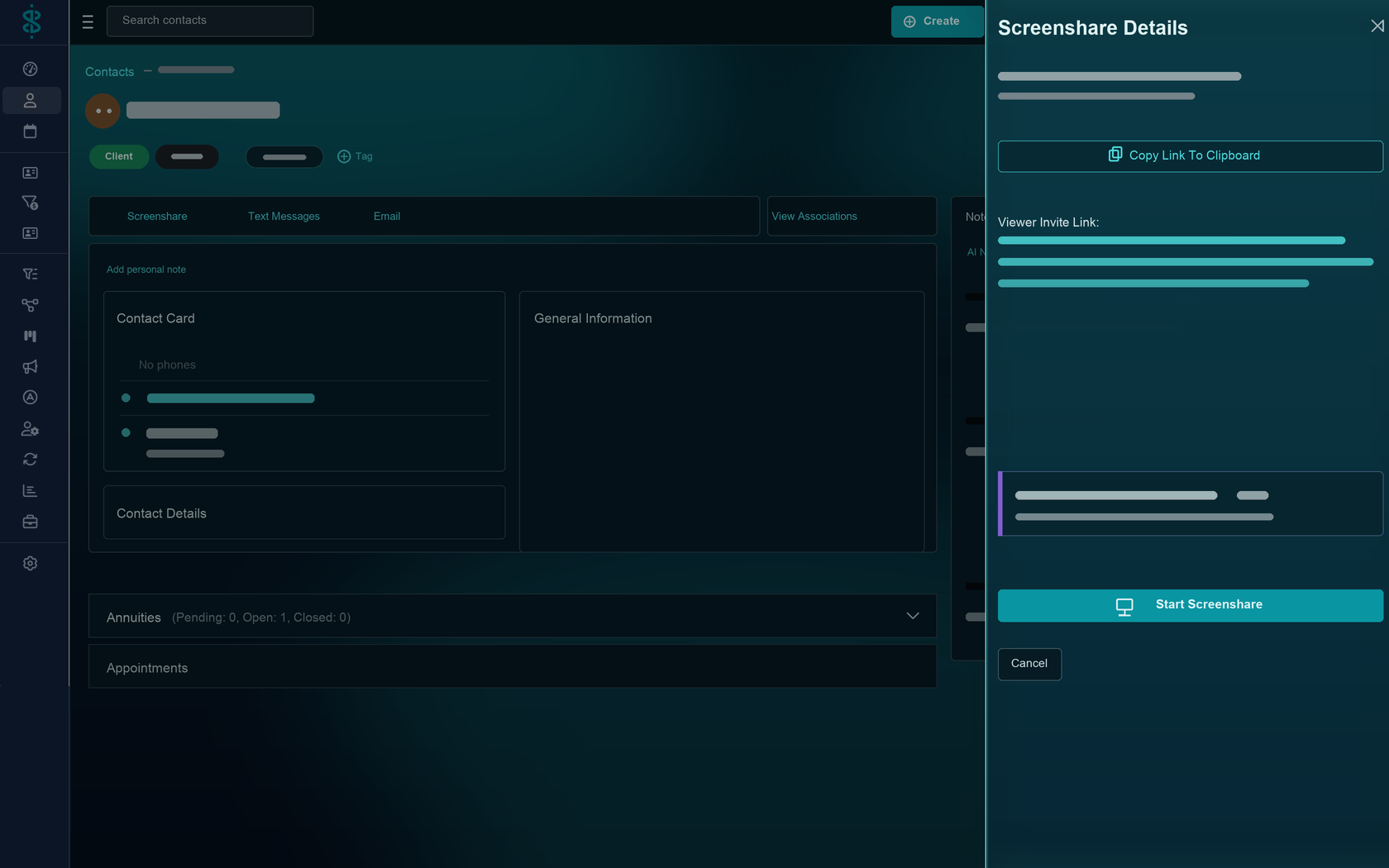
How it works
From the contact record to their screen.
Screenshare lives inside Swivel, so starting a session is part of the conversation you're already having — not a separate tool you have to set up first.
Start from the contact
One click on the client's record kicks off a screenshare session — no app to open.
Invite by text or email
Send the join link the way the client already talks to you, straight from Swivel.
Why advisors use it
One less subscription, one better meeting.
No extra subscription
It's part of Swivel — no separate Zoom or screen-sharing seat to pay for or manage.
Nothing for clients to install
They click the link you texted or emailed and they're watching your screen.
Perfect for illustrations
Explaining a complex product is easier when the client can see exactly what you see.
Tied to the client
Because it starts from the record, the session is always connected to the right client.
FAQ
Questions, answered.
Do I need Zoom to screenshare with a client?
No. Screenshare is built into Swivel. There's no separate Zoom or screen-sharing subscription to buy or launch — you start it right from the client's record.
How does a client join a screenshare?
You send an invite by text or email straight from the contact, and the client clicks to view your screen — no app install or account required on their end.
What can I show on a screenshare?
Whatever's on your screen — an annuity illustration, an application, or the client's Swivel Summary — so you can walk them through it live instead of emailing a PDF and hoping.
Where do I start a screenshare?
Right from the client's contact record, with one click, so the session is tied to the client you're working with.
Show, don't send.
See Swivel Screenshare on a quick walkthrough built around the way you present to clients.