Service work that never falls off the radar.
Paperwork, beneficiary updates, RMD reminders, the call you promised — track it all on task boards that link to the exact client and policy, and hand it to the right person on your team.
How it works
Boards your team actually uses.
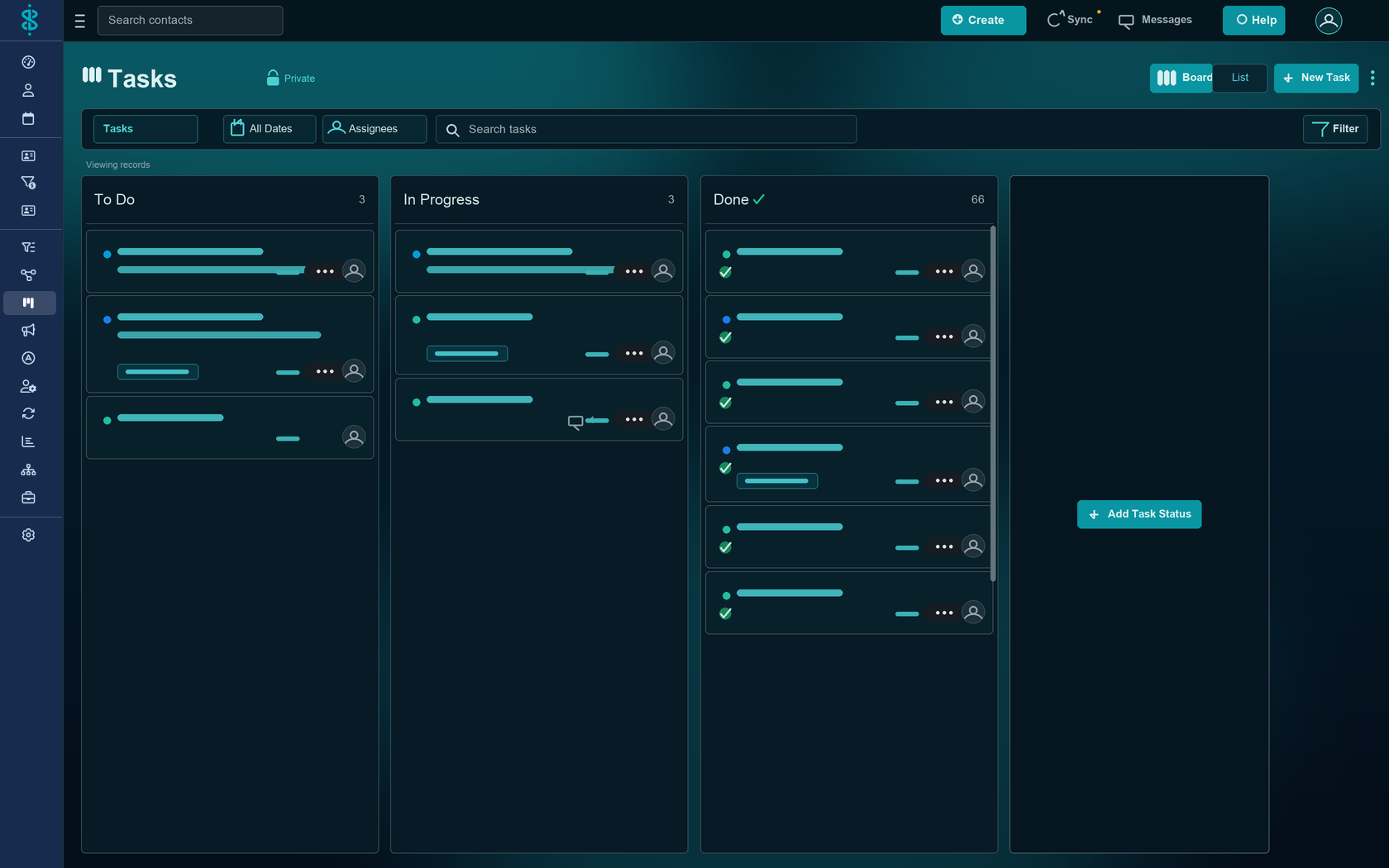
Organize work into workspaces, drag cards across the statuses you define, and keep every task tied to the client it belongs to — so nothing important lives only in someone's head.
Board & list views
See work as a Kanban board or a simple list, with custom statuses for each workspace.
Assign to a person or group
Route a task to a teammate or drop it in a group queue — with priority and a due date.
Linked to the client
Every task can connect to the contact, policy, or opportunity it relates to, with comments and files attached.
Tasks vs. workflows
Use the right tool for the job.
Tasks are for one-off to-dos. For a process you run again and again — new business, onboarding, annual reviews — reach for a workflow instead, and let it create the tasks for you.
FAQ
Questions, answered.
What's the difference between Tasks and Workflows in Swivel?
Tasks are individual to-dos — a single piece of work with an owner and a due date. Workflows are multi-step, repeatable processes built from a template. Use tasks for one-offs and workflows for processes you run again and again.
Can I assign a task to my whole team?
Yes. A task can be assigned to a specific person or to a group, so shared work lands in a team queue instead of falling on one inbox.
Can a task link to a specific client or policy?
Yes. Tasks link to the records they relate to — a contact, a policy, an opportunity — so the work and its context stay together.
Can I see tasks as a board or a list?
Both. Each workspace has a Kanban board view and a list view, with custom statuses (columns) you control.
Give your team one place for the work.
See Swivel Tasks on a quick walkthrough built around how your practice gets things done.