Work a list, not your whole book.
Pull a focused set of clients together for one purpose — a call-down, a seminar invite, an annuities-up-for-renewal sweep — then actually work through it. Build it from a filter or by hand, campaign against it, and track every contact to done.
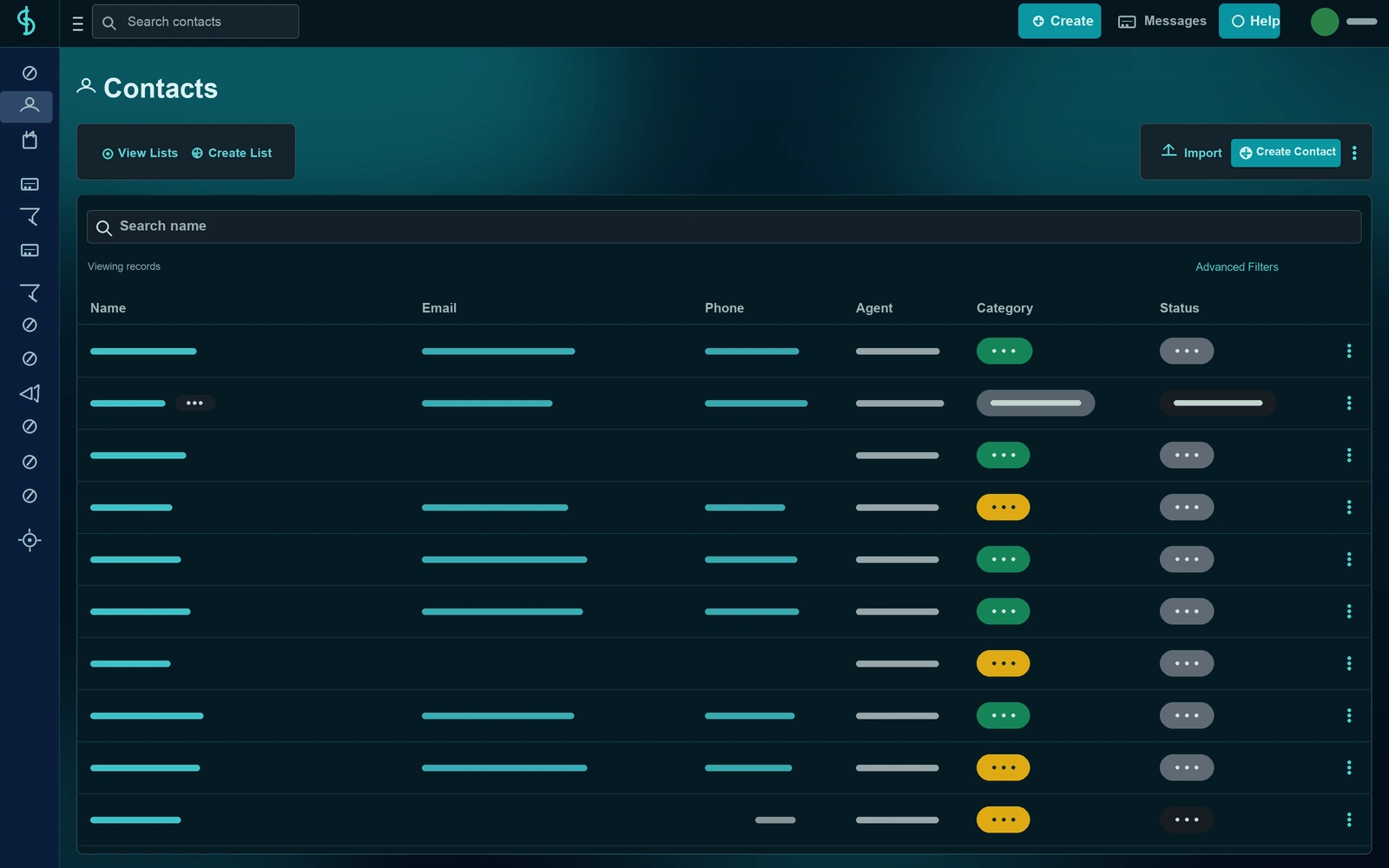
Two kinds of lists
Dynamic when it should refresh. Static when it shouldn't.
Choose how a list behaves when you create it — and Swivel handles the rest, whether you want an always-current audience or a frozen set you control.
Dynamic lists
Defined by filter criteria — state, tags, category, agent, birthday month, and more. Swivel re-runs the filter every time, so the list stays current on its own. Add a new client who matches tomorrow, and they're on the list automatically.
Static lists
A frozen set of contacts you curate by hand with the picker. The list holds exactly who you put on it — perfect when you need a fixed snapshot that won't shift between preview and send.
Built to work through
A list is only useful if you finish it.
Dispositions
Per-contact labels — Not Attempted, Left Voicemail, Connected, Do Not Call — so on a call-down you always know who's left.
Bulk task assignment
Assign a follow-up task for everyone on the list and route it to your team.
Convert a report to a list
Turn any report — birthdays, maturing annuities, referrals — into a working list in one click.
Swivel Summaries from the list
Open any client's Swivel Summary right from a list row as you work down it.
Saved for next time
Keep a list around as a reusable audience for repeat outreach — review season, AEP, a product push.
FAQ
Questions, answered.
What's the difference between a dynamic and a static contact list?
A dynamic list is defined by filter criteria — like state, tags, category, agent, or birthday month — and re-runs that filter every time, so it stays current on its own. A static list is a frozen set of contacts you curate by hand. Use dynamic for evergreen audiences and static when you need a fixed snapshot.
How do I create a contact list?
From the Contact Lists page, choose New Dynamic List or New Static List — or convert a report or a filtered contact view into a list in one click.
Can I track who I've already contacted on a list?
Yes. List dispositions are per-contact labels — like Not Attempted, Left Voicemail, Connected, or Do Not Call — so on a call-down list you always know who you've reached and what happened.
What can I do with a contact list?
Contact lists are the launch point for email and text campaigns, bulk task assignment, and repeat outreach to a saved audience — and you can generate a Swivel Summary for anyone on the list.
Turn a pile of contacts into a plan.
See Contact Lists on a quick walkthrough built around the way you work a set of clients.